

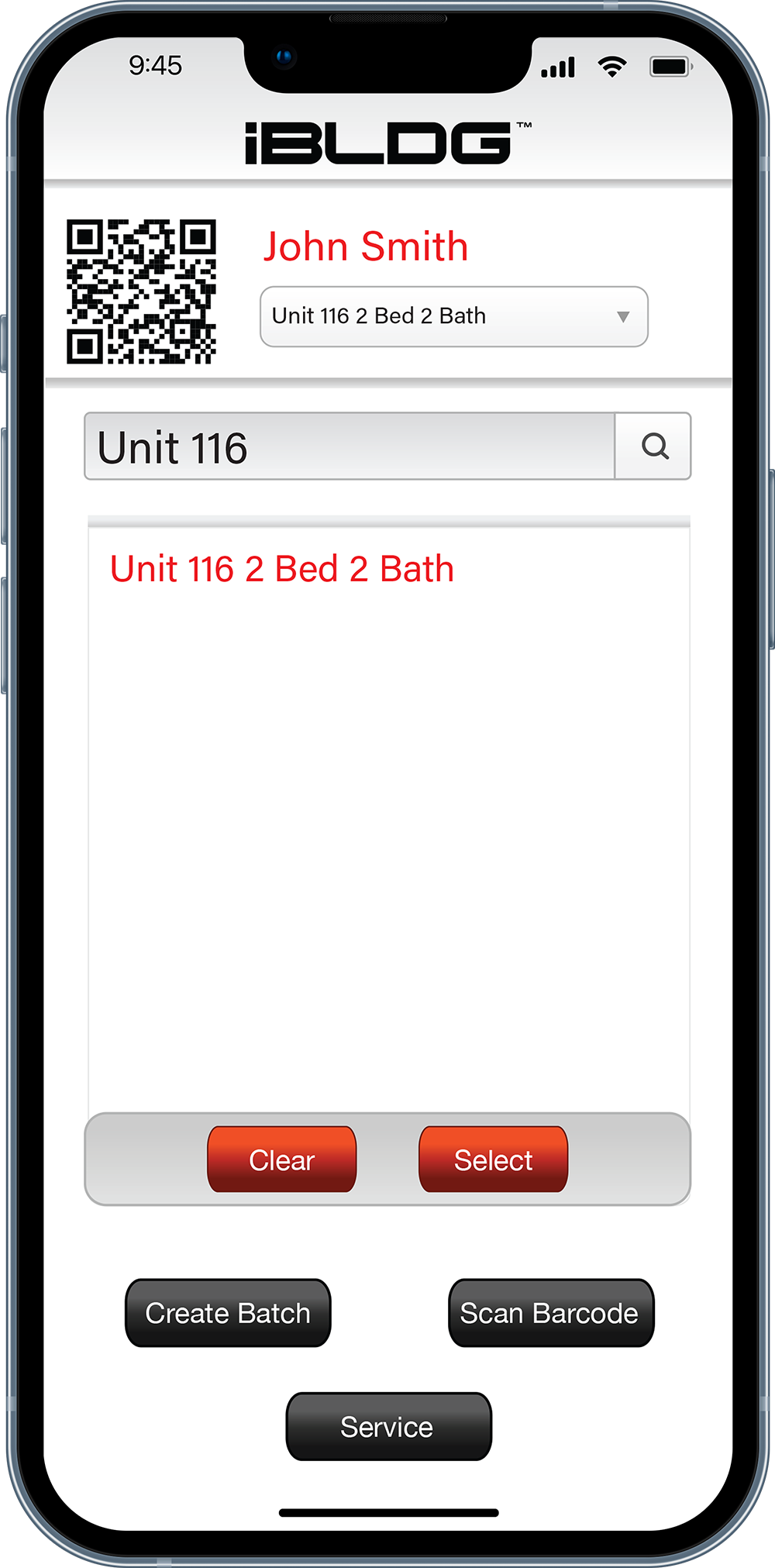

Property Key Management
Mobility at its finest. Sign in, remove, return, and even transfer keys between users directly from your phone, true key control in the palm of your hand.
Boost Efficiency With iBLDG
Bring your customer or employee through a process, faster than ever.
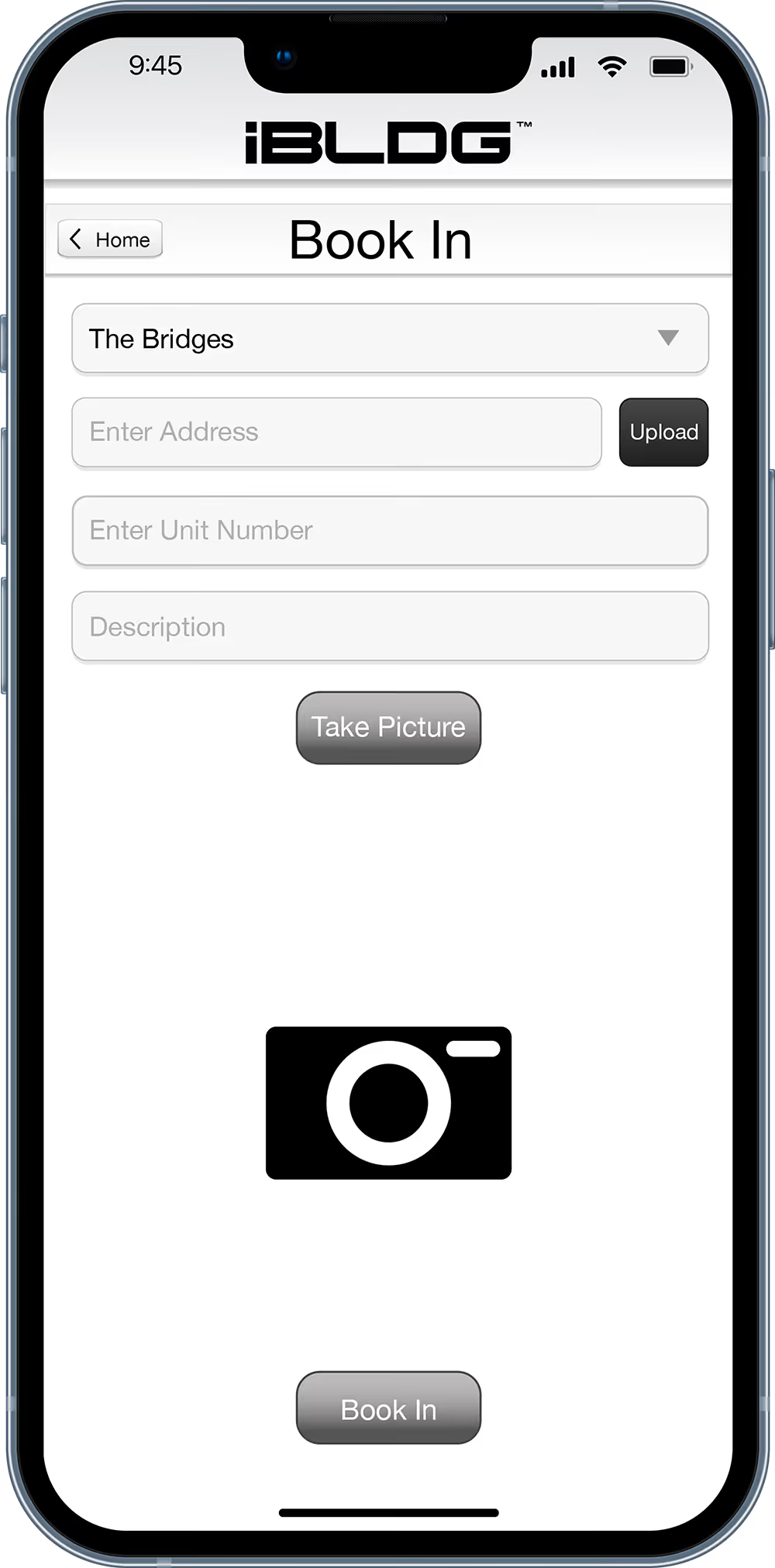
Book In Assets
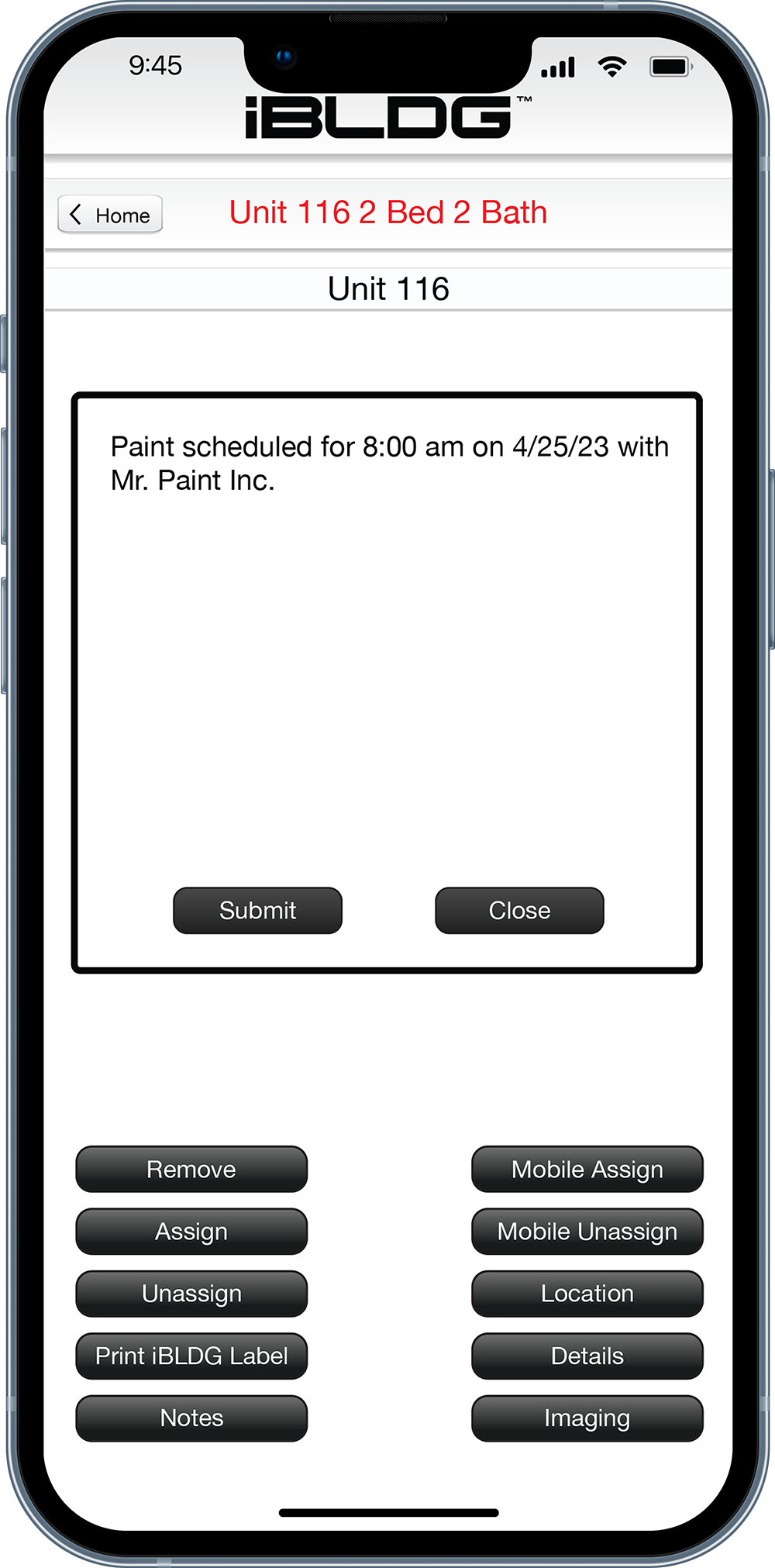
Add Notes
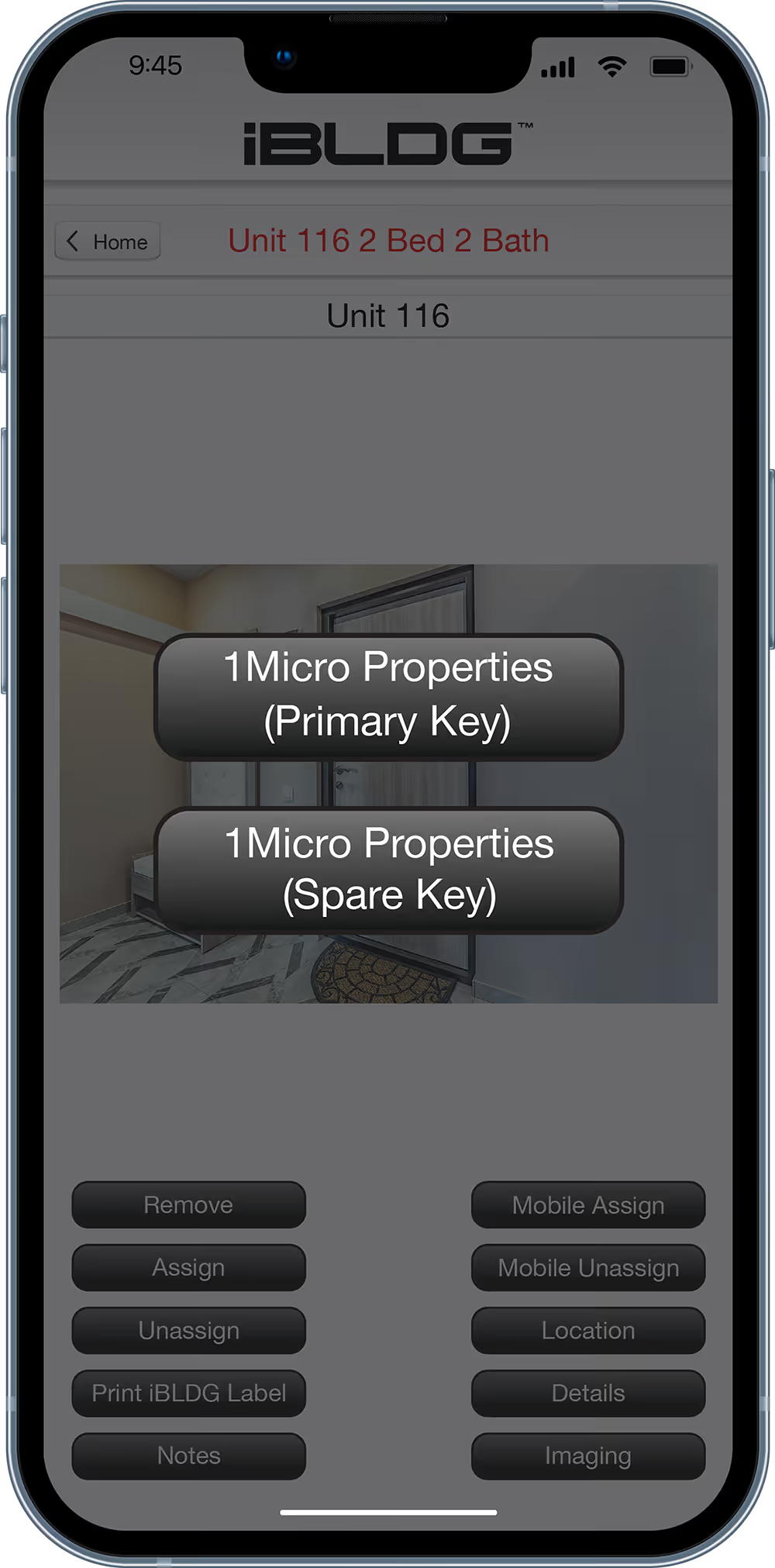
Assign or Unassign
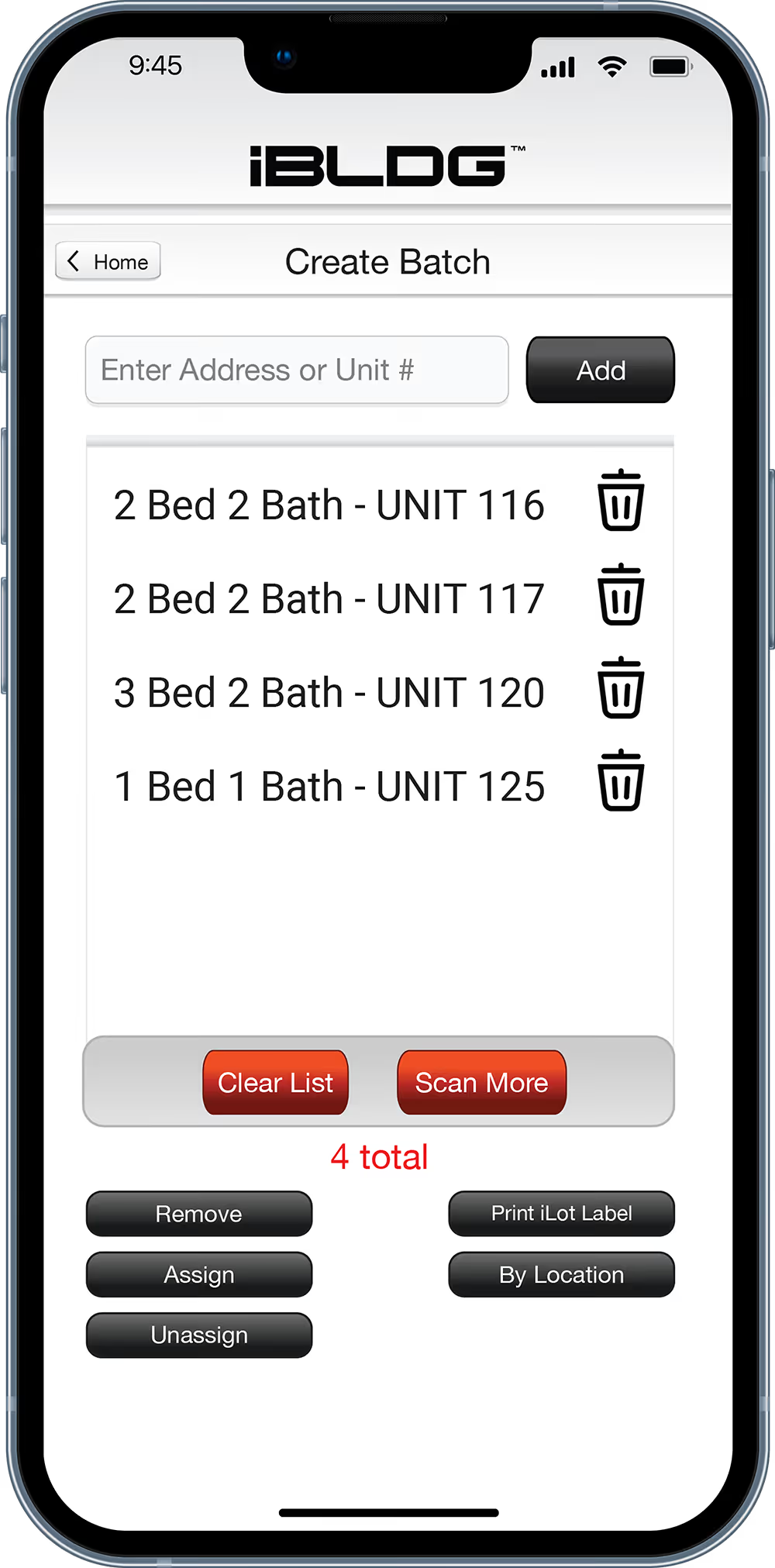
Create Key Batch
iBLDG KeyTransfer
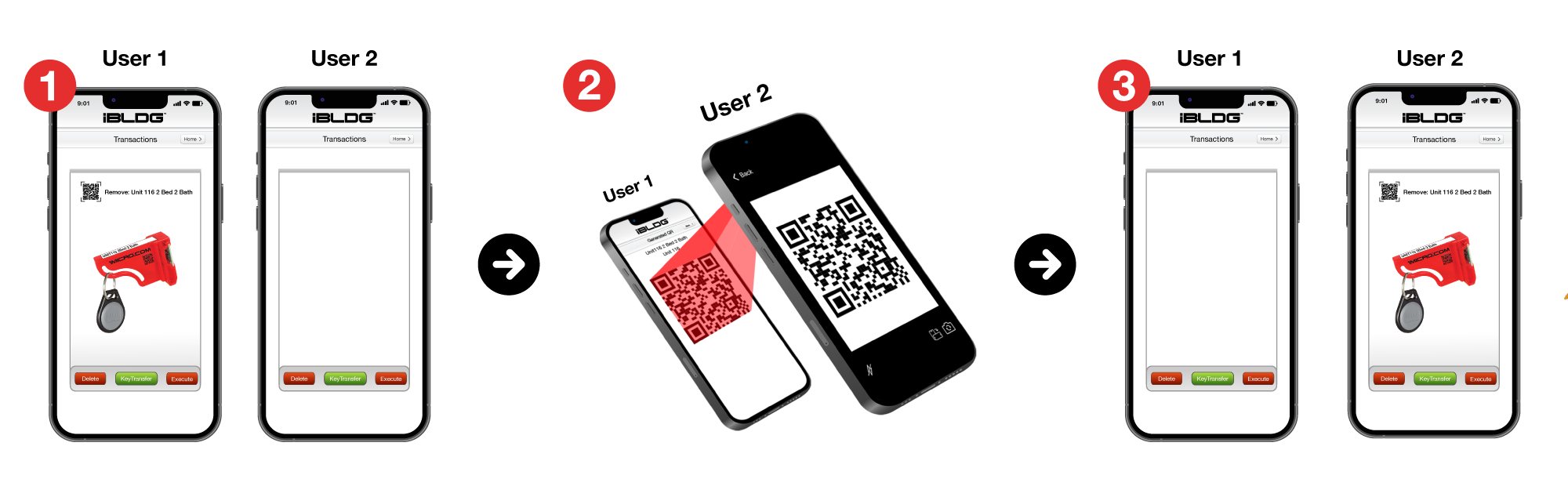
iBLDG KeyTransfer allows users to transfer keys from one user to another by scanning a one-time transfer code. There is no need to return the keys to a system, simply scan and go.

iBLDG Core
Step 1 - Search or Scan
Search any criteria, or simply scan the iBLDG Asset label QR to find your result.
Step 2 - Confirm Key Location
Quickly find out who has the key, or which iSafe your key is located in. Additionally, you can see if there are one or two keys assigned.
Step 3 - Scan and Remove Key
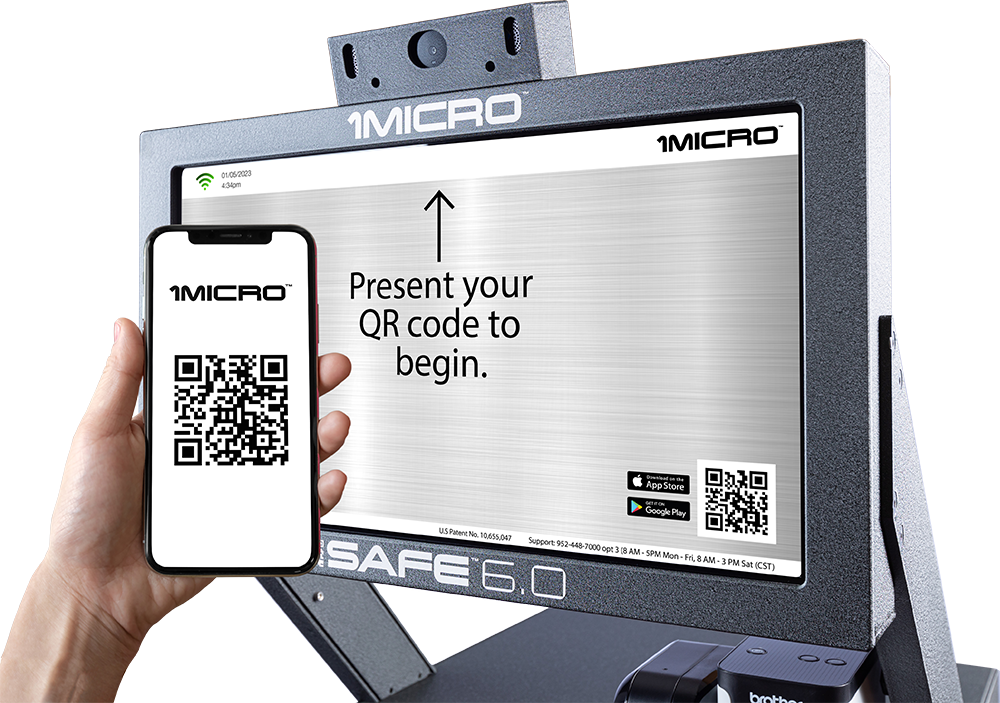
Present a one-time QR code to your iSafe camera. An LED will illuminate, showing the key you searched. Simply remove the key and close the drawer.
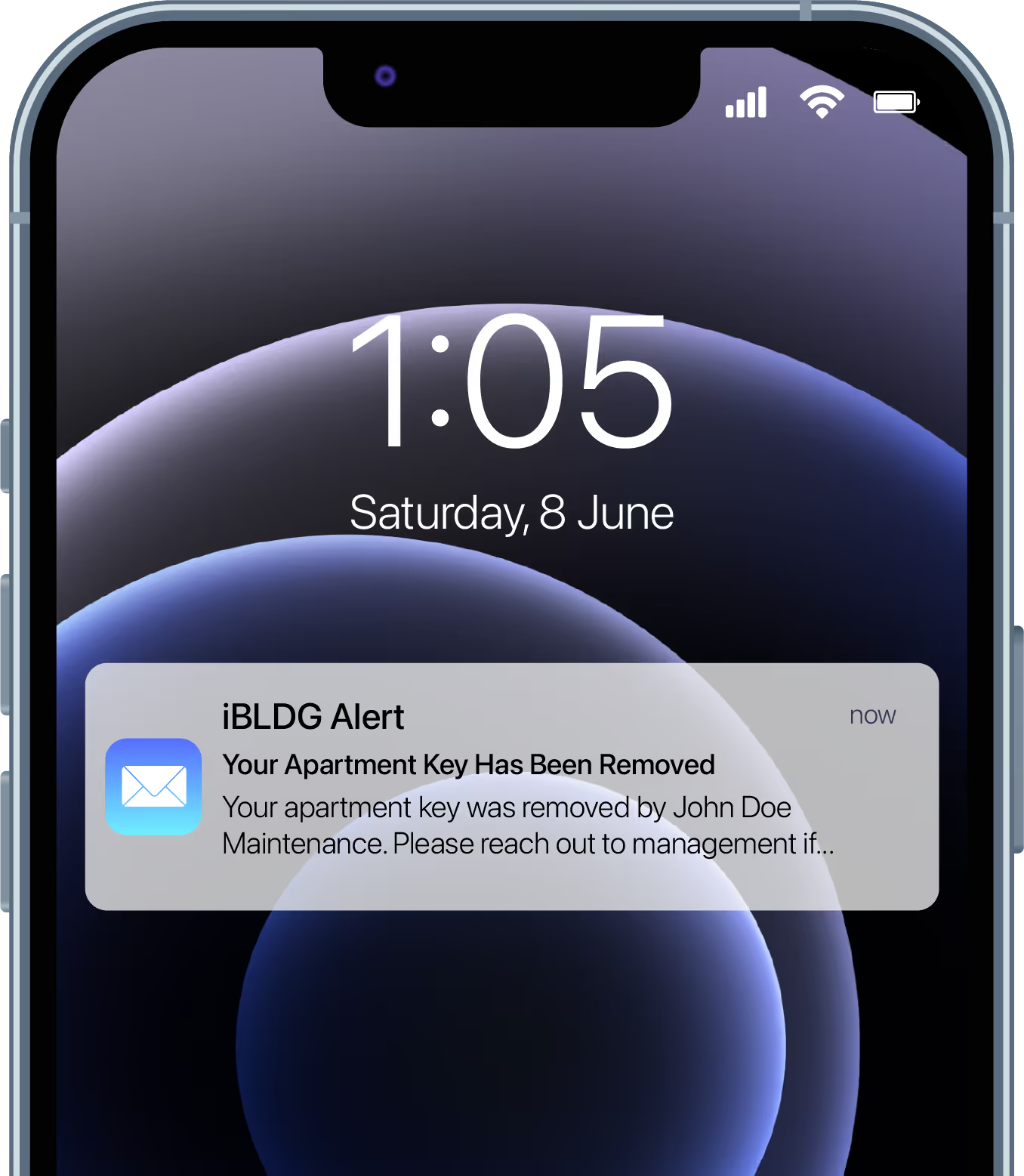
Unit Alert Notifications for Tenants
Your tenants will receive an alert notification anytime their keys are removed, providing an extra layer of accountability and peace of mind.
Learn more about iBLDG Core
Get in contact with our team to learn how iBLDG Core can improve your businesse's overall efficiency, security, and building management.
Frequently Asked Questions
Need some more answers? We're here to help.

Pricing really depends on how many keys you're needing to control, as well as how many systems you're needing, and more. Contact our team for a quote, we're happy to help.
All iSafe products and software are created in Waconia, Minnesota. We proudly produce, engineer, and support our solution in the United States.
Security is at the core of everything we build. The iSafe is engineered for serious protection, with each unit weighing an average of 600 lbs, and every drawer latch is rated to withstand up to 3,500 lbs of pressure.
For an added layer of defense, pair your iSafe with iOptix, our accelerometer-based monitoring system that detects and alerts you to any movement or tampering in real time. With the iSafe Pro 6.0, you can also permanently anchor your unit directly into the floor for added security.
Thousands of customers rely on iSafe systems every day. When it comes to securing your business's assets, we don't cut corners.
The iSafe is built to last — and we have systems in the field that are 25+ years old and still fully supported. Because the iSafe runs on AWS, software updates happen automatically in the background, so your system is always running the latest platform without any action on your part. There's no end-of-life event, no forced hardware upgrades, and no moment where your system stops receiving support. The iSafe doesn't have an expiration date.
We give you upfront pricing and any expected prices related to our solution, so you're always informed. We take pride in our products and customer service. This has brought many referrals from happy customers over the 30 years in business.
Still have questions?
There are many different ways to use 1Micro's key management systems, let us know how we can help!