Schedule a Demo
Schedule a 30 minute demo with one of our specialists.


When a Fleet Key Leaves the Yard, Who Signed for It?
What happens to a customer's key between the service desk and the drive home?
A customer drops off a car at the service area and hands over the key, and from that moment the dealership is responsible for the car and its keys until the customer drives home. In between, that key has to reach a technician, come back, and end up with the right customer. Here is how iLot Service Drive key control follows it at each step.
Check-In at the Service Drive Starts With a VIN and a KeyTag
When a car comes into the service area, the advisor scans the VIN, scans a KeyTag, and types in the customer notes, such as the customer's name and the repair order (RO) number. That ties the key, the car, and the RO together from the first minute.
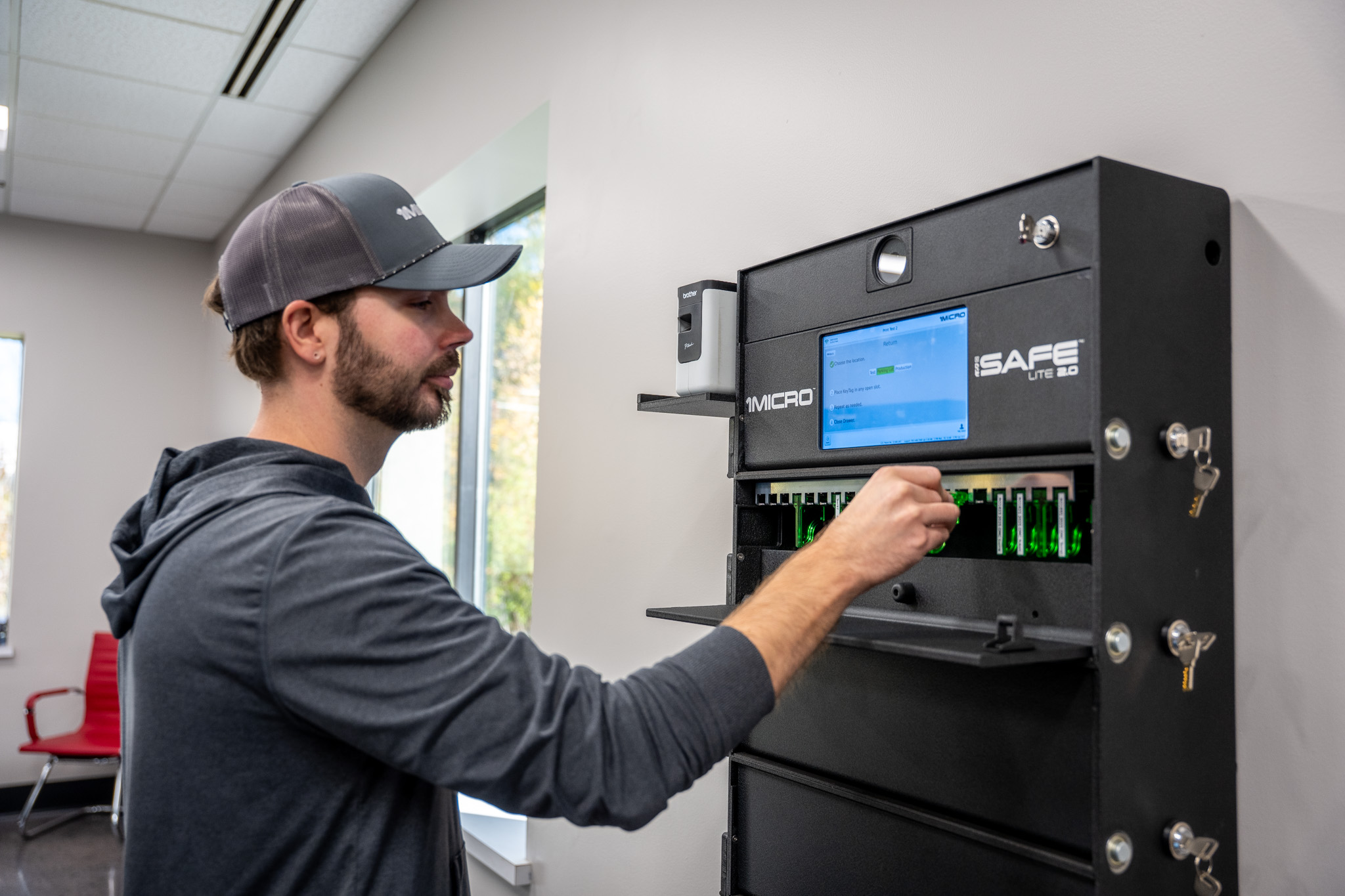
The key is then stored in your iSafe key management system. An iSafe Lite is one option for a service drive, and it's also used for loaner fleets.
When the Technician Needs the Car
Once the technician has the RO, they can see the geofence where the car is parked and the status of its key. They get the key, find the car, and complete the repair order. With Service Drive, the hunt for a key and then for a car somewhere on the property comes off your technicians' plates, so their hours go to repairs.
Every time the key is removed or returned, the iSafe 4K camera captures multiple time-stamped images. If the key has to move from one team member to another, KeyTransfer logs the handoff with a one-time QR code, so the record has no gap.
While the Car Is on Your Property
A customer's car is the customer's asset, and the dealership is holding it while it's serviced. With the key's status in the system and images and timestamps on every removal and return, the service department has a record to point to if a question comes up about who had the key and when.
The same setup helps with a more everyday problem. With iLot Service Drive, you greatly reduce your chances of losing or misplacing keys while vehicles are being processed.
Pickup, Including After Hours
When the repair is done, the customer gets their key back. For customers who can't make it during business hours, an iSafe SOLO 2.0 handles self-service key drop-offs and pickups. You send the customer a one-time QR code from anywhere, and they present it to the camera to drop off or pick up their key.
One Trail From Intake to Pickup
From the VIN scan at intake to the key going back to the customer, the record is one continuous audit trail. It shows when the key was removed, when it was returned, and the images captured each time, all in cloud-based reporting you can review from any device.
See How Service Drive Key Control Works
Check out iLot Service Drive.
Explore key control for Automotive.
Request a Webinar or a Quote from the 1Micro Team.