Schedule a Demo
Schedule a 30 minute demo with one of our specialists.


The Shift-Change Problem Isn't the Handoff. It's the Shared Code.
Everyone on every shift uses the same code to open the cabinet. When a key goes missing, that code can't tell you who had it last.
Shift change usually gets the blame when nobody can say who had a key. The real gap isn't between shifts at all. It's in how the cabinet gets opened in the first place, no matter which shift is working.
One Code, Whoever's on Shift
A cabinet locked behind one shared code isn't a key control system. It's a lock with extra steps. It keeps the cabinet closed. It doesn't say who opened it. The same code gets typed in at 2pm and at 2am, so nothing identifies one transaction from another. The moment a key actually goes missing, a single-code log has nothing to show for it.
From a Shared Code to a Personal Login
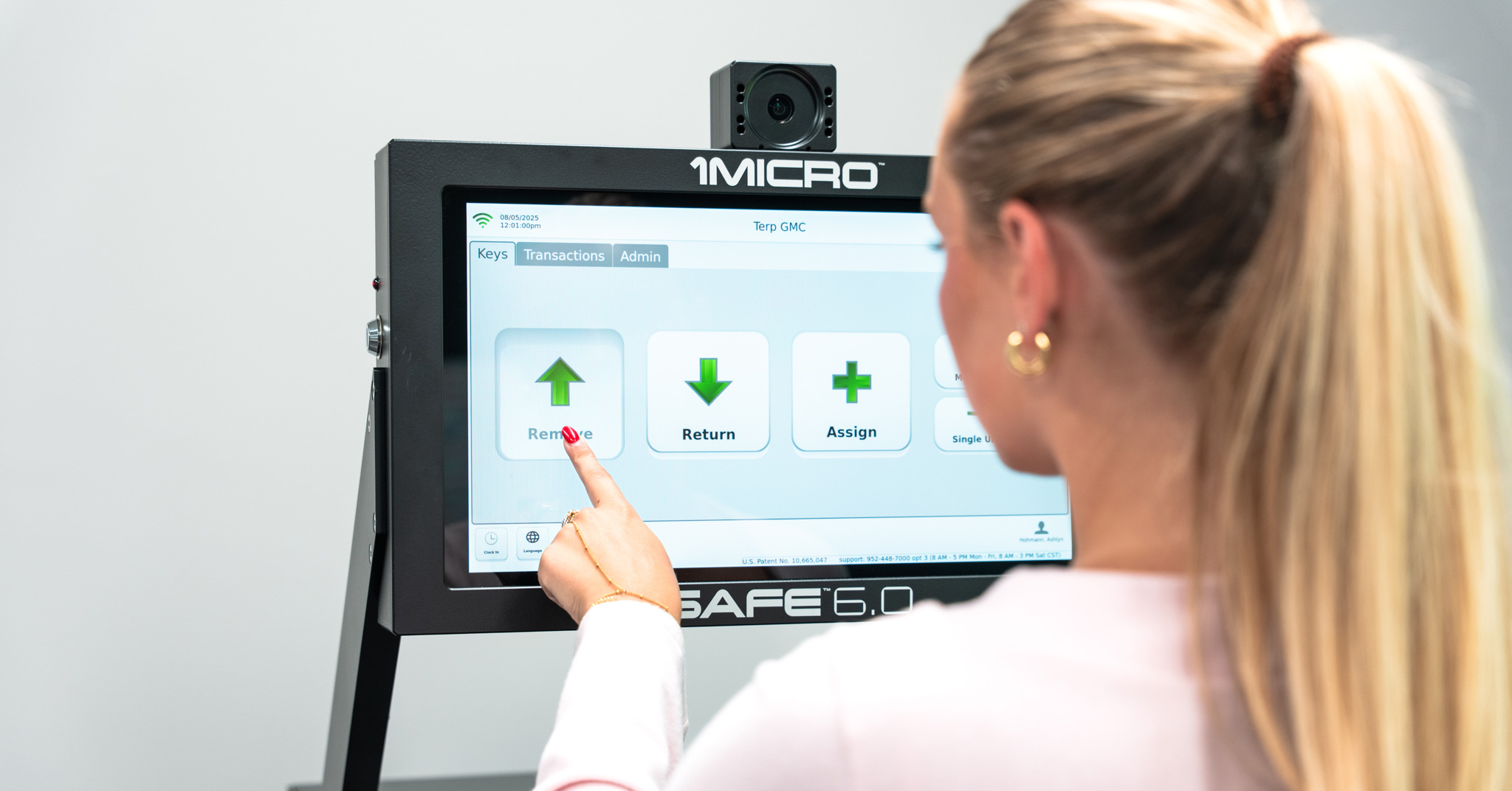
1Micro's iSafe kills the shared code. As an electronic key management system, it gives every employee their own personal login, entered at the touchscreen or through an optional HID card reader, tied to that one person instead of the whole team. That same login can also be restricted by drawer. Spare keys locked down to admins. A technician limited to only the keys assigned to them. The login controls what someone can actually reach, drawer by drawer. Whoever's at the iSafe logs in as themselves first, then pulls the key, so iSafe logs who took it. The 4K camera backs that up, capturing a photo every time a key actually comes out of its slot, so the login isn't the only proof of who was there.
All of it lands in 24/7 cloud-based audit trail reporting, real-time information a manager can actually trust, reviewable from a phone, a laptop, whatever's closest instead of a desktop back in the office. Pull up last Tuesday's 2am transaction and there's a named login, a timestamp, and the photo to match, so nobody can borrow someone else's login and disappear into the record as them.
Mid-Shift Handoffs Get Logged Too
Sometimes a key's already checked out and needs to go to someone else before it makes it back to the iSafe: a lot attendant handing off a demo key between test drives, or a service advisor passing a loaner to a technician. iSafe's KeyTransfer feature covers exactly that. One person scans a one-time QR code and hands the key straight to the next person, no trip back to the iSafe required.
That transfer lands in the same audit trail as a checkout, logged as its own transfer, even though the key never physically went back into the iSafe. Whoever has it, and when it changed hands, stays part of the same trail.
Shift Change Stops Being a Blind Spot
Whoever had the key last night isn't a mystery anymore. Between the personal login, the drawer restrictions, and the camera backing it all up, there's nothing left to reconstruct after the fact. iSafe already has the name, the timestamp, and the photo waiting, before anyone even thinks to ask. Shift change used to be a leap of faith. Now it's just Tuesday.
See What This Looks Like at Your Facility
Check out our iSafe Pro page.
Request a Webinar or a Quote from the 1Micro Team.