Schedule a Demo
Schedule a 30 minute demo with one of our specialists.


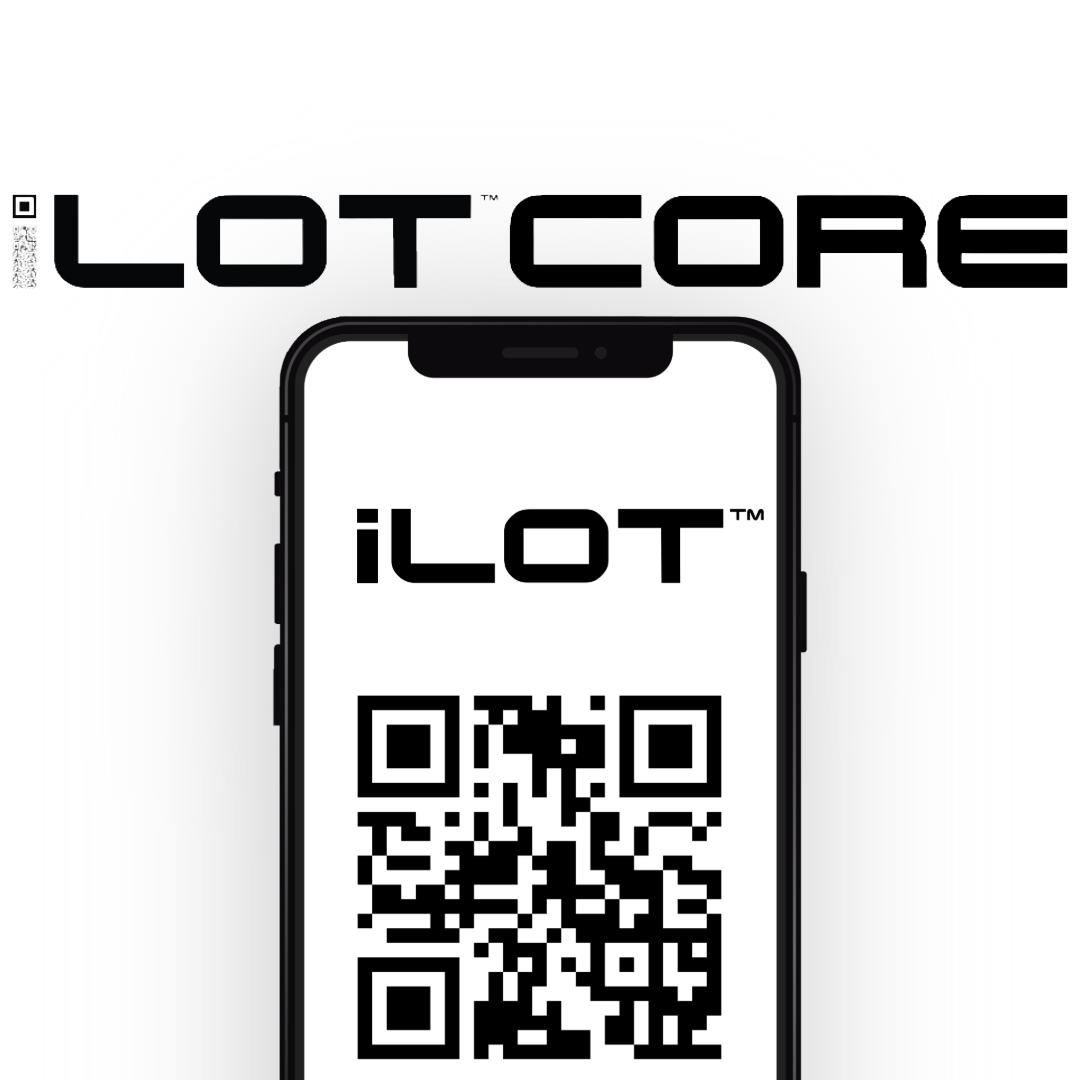
The Key Cabinet Fits in Your Pocket Now
Five seconds. That's how long it takes to pull a key with your phone instead of the keypad, and it's built for exactly the moments your team needs that speed most.
One System, Multiple Ways In
1Micro's iSafe systems have always offered two ways to get a key out. Type a code into the cabinet's keypad, and the key releases right there. Or open the iLot Core app on a phone and use it to release the key from that same cabinet instead. Both run on the same iSafe hardware, and both log to the same record. They're two ways of doing the same thing.
Which one a team reaches for more often usually just comes down to environment. A smaller office might rarely need the app at all. A dealership running several service advisors through intake in the same hour, or a fleet office dispatching a handful of drivers back to back, might lean on it more, not because the keypad is worse, just because more people are moving through the system at the same time. Every office runs a little differently, and iLot Core's built flexible enough to support however yours already works.
What the App Adds
iLot Core is 1Micro's mobile, cloud-based key management software, and it runs on top of any iSafe hardware already installed, Pro, Lite, or SOLO. An employee opens the app, finds the vehicle, and holds their phone up to the iSafe cabinet's camera. It reads a one-time QR code on the screen and an LED lights up next to the right key, so there's no hunting or confusion once the drawer's open, key out in about five seconds. Pulling five keys at once works the same way at the cabinet. The employee just builds the whole list in the app first instead of searching for each vehicle one at a time, so it's still one scan and each key lights up inside the drawer, and the whole batch takes around thirty seconds. That's faster mainly because two steps move off the keypad and onto the phone: there's no code to type at the machine, and the vehicle's already been found in the app before anyone walks up to the cabinet at all. That difference shows up whenever it's useful, whether that's a high-traffic stretch with five people all needing a key inside the same ten minutes, or just because it's how someone prefers to pull a key that day.
Adding a new vehicle takes one scan. iLot Core pulls the year, make, and model automatically through J.D. Power's ChromeData database, so there's no VIN to type in by hand. From there, the app answers a question the DMS can't: who has a given key right now, updated the second custody changes hands. Nobody has to walk over and ask where the F-150 key is, the app already knows.
On the Lot, That Means the Advisor Never Leaves the Desk
This is dealership key management working the way it's supposed to. For a dealership running iLot Service Drive alongside iLot Core, a service advisor scans a customer's VIN, scans the KeyTag, and types in customer notes like name and RO number, all at intake. From there, any technician who pulls up that repair order on their phone can see exactly which geofenced spot the car is parked in and whether the key's already checked out. Then they go get it, no detour through the office required.
And if the key's already out with someone else, say the advisor is still holding it right after intake- nobody has to walk it back to the cabinet just so the technician can check it out again. iLot Core's KeyTransfer feature generates a one-time QR code on the advisor's phone. The technician scans it, and custody changes hands on the spot. The system logs it as a transfer rather than a return, so the record still shows exactly who has the key and when it changed hands, without either person making a trip to the machine. On a lot moving twenty or thirty cars through service in a day, that adds up to twenty or thirty fewer trips back to it.
The Same Five Seconds Everywhere Else
A fleet yard runs into the same kind of moment at dispatch, when several drivers all need vehicle keys inside the same fifteen-minute window. Government facilities and motor pools see it whenever more than one department is pulling from the same electronic key management system for vehicles or equipment. Property management companies see a smaller version of it too, a leasing office or a maintenance tech needing a unit key without a trip back to a central lockbox first. iLot Core, or iBLDG Core for property management's case, works the same way across all of these for multi-location key tracking: the same five-second scan no matter what the key opens or which building the cabinet sits in, available alongside the cabinet itself whenever the pace calls for it.
Wherever the Keys Live, the Cabinet Is Already in Your Pocket
iLot Core doesn't change what a key management system secures, and it doesn't replace the cabinet it runs on. It's mobile key control for the moments when more than one person needs a key at the same time, whether that's a service department, a fleet office, a government facility, or a property team pulling a key at 5 pm on a Friday.
Ready to See What This Looks Like for Your Team?
Request a Webinar or a Quote from the 1Micro Team