Schedule a Demo
Schedule a 30 minute demo with one of our specialists.


Where Are Your Second Sets of Keys?
The keys that open the most are the ones checked the least.
It's Friday afternoon, a key is needed right now, and it's nowhere to be found. The first thing anyone says is, "Check for the spare." That's the moment you find out whether the spare is still where you think it is.
The Keys That Go Missing Quietly
A key that gets used every day is missed the moment it's gone. A backup key sits in a drawer or on a hook that only gets checked when something goes wrong. That means anyone with access can take it without it being noticed, and the first time anyone looks for it is the day the primary key is lost. With no audit trail, there's no record of when it left, who took it, or how long it was gone.
The same goes for a master key, but the stakes are higher. When a master key goes missing, the only sure fix is rekeying every lock it opens, which is slow and expensive.
Lost Is Bad. Copied Is Worse.
A lost key is a problem you can see. You replace it and move on. A copied key is one you rarely find out about. Anyone with access to a spare can take it to a key shop, and the copy works exactly like the original. Whoever holds it can keep using it unnoticed, because nothing about that key stands out from the rest.
That also means finding the missing key doesn't close the case. A key that turns up in a drawer a week later could have been copied in between, and there's nothing to say it wasn't. What you need is a record of who had it and for how long.
Lock Both Down in the Same Place
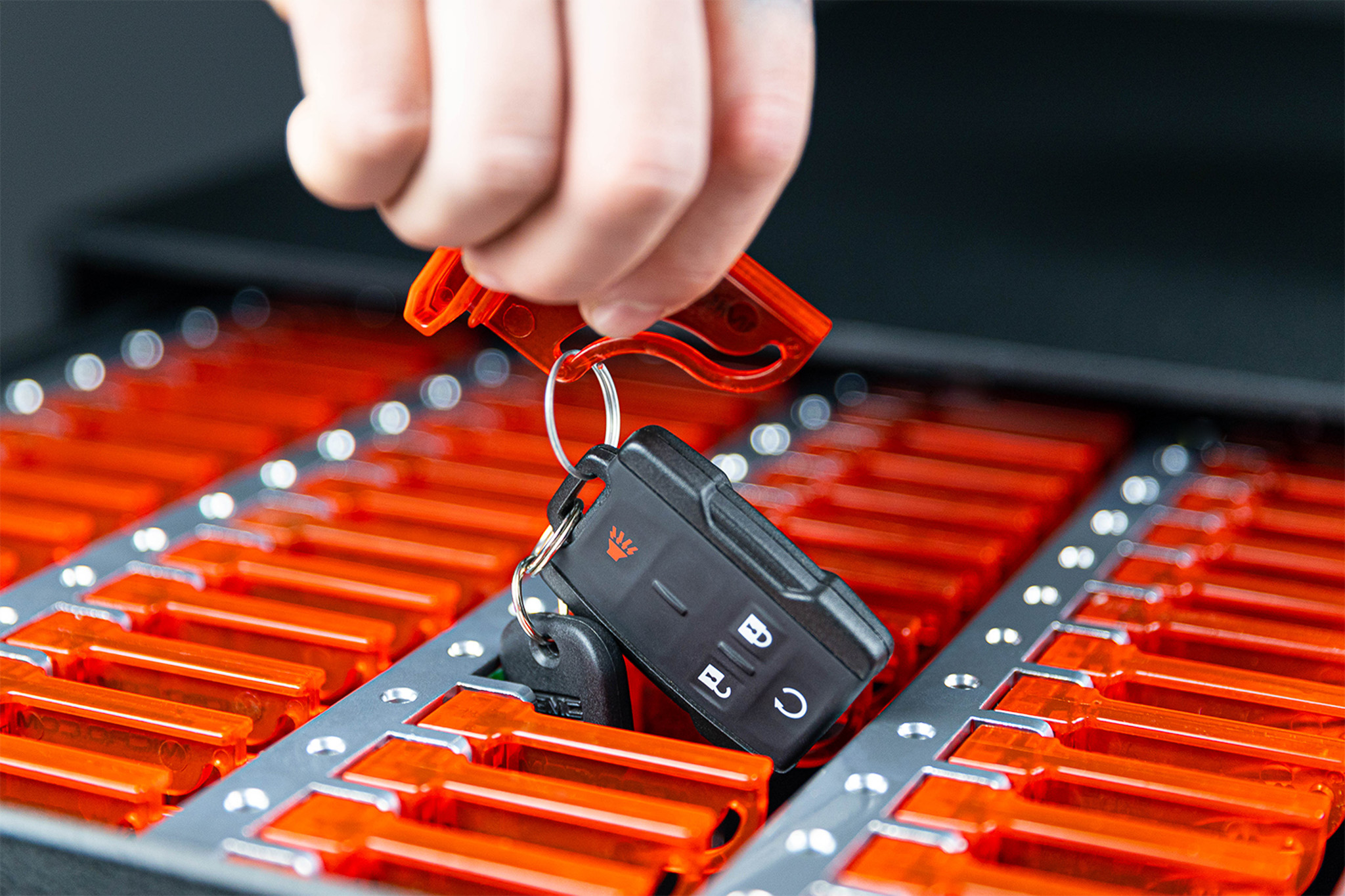
1Micro's iSafe electronic key management system can be tailored to work alongside how you prefer to share keys. One option is a permission-based drawer for backup keys and master keys, so only managers and administrators can open it and no other employee's login can access it. When an employee leaves the company, an administrator can deactivate their personal login right away, so they can no longer pull a key from the system and no locks need to be rekeyed.
A Photo Every Time One Moves
When a manager does need a backup or a master, the iSafe 4K camera captures multiple images every time a user signs in or out and every time a key is removed or returned. Each photo is saved with the manager's personal login and a timestamp, so every one of these keys that leaves the drawer comes with a name, a time, and a face. Those photos stay available online, so a question about who took a master key last spring can still be answered.
Every one of those pulls goes into the same cloud-based audit trail as every other key. When a manager wants to see who has handled a backup or a master, it's a report that can be easily pulled up, not a desk to dig through with no trail.
Know Where Every Spare and Master Is
The spare and the master are the ones that open the most and get watched the least. Where are they? With iSafe key tracking, you already know. Even if the primary key is lost, you know the spare is in its drawer, because every time it came out was logged. So the next time someone says, "Check for the spare," you can answer with confidence. It's in the drawer, and the record shows who had it last.
See What This Looks Like at Your Business
Check out our iSafe Pro page.
Request a Webinar or a Quote from the 1Micro Team.