Schedule a Demo
Schedule a 30 minute demo with one of our specialists.


Questions to Ask Before You Choose a Key Management System
Seven questions that separate one key management system from another, answered for 1Micro's iSafe.
1Micro's iSafe is an electronic key management system that holds your keys in a locked cabinet, records who takes each one, and keeps running for decades, with systems in the field that are more than 25 years old and still supported. Choosing a key management system comes down to seven questions, covering what it is, how secure the cabinet is, how it's set up, whether it fits your facility, who can take which key, how long it lasts, and what it costs. Here they are, answered for the iSafe.
What Is a Key Management System?
A key management system controls who can take a key and keeps a record of who did. A physical key management system is the part you can touch: a locked cabinet that holds the keys. An electronic key management system adds software that records every removal and return against a person's login, which gives you an audit trail you can review from any device. The iSafe is both, with each key on a KeyTag in a locked drawer and 1Micro's software keeping the record. Its reporting lets you review transactions, audit trails, and employee activity 24/7, and scheduled reports can be emailed to your managers.
How Hard Is the Cabinet to Break Into?
Each iSafe weighs an average of 600 lbs, and every drawer latch is rated to withstand up to 3,500 lbs of pressure. The iSafe Pro 6.0 can also be permanently anchored into the floor. For an added layer, iOptix uses an accelerometer to detect and alert you to movement or tampering in real time.
People have tried. In 2024, two suspects broke into Kalidy Kia in Edmond overnight and left without taking any keys or vehicles. In an earlier break-in at a 1Micro customer, a thief found the key cabinet in a closet, spent about 30 seconds trying to get into it, and ran, while roughly 10 more thieves waiting outside never got the keys.
How Do You Set Up and Maintain a Key Management System?
Implementing an electronic key management system takes less work than most people expect, because the setup happens before the iSafe arrives. Pre-training typically takes place while the system is in transit, and during it users are created and integrations are configured in the cloud, so everything is waiting when the iSafe is connected. On delivery day, a 1Micro Delivery Tech plugs the iSafe into power and ethernet, turns it on, and tests it, typically in 30 to 60 minutes. Most customers complete their training in a remote session with a 1Micro trainer.
Upkeep is light, because the iSafe runs on Amazon Web Services and software updates happen automatically in the background without any action on your part. Your team can reach the system from a mobile device, tablet, laptop, or desktop.
Will It Work in Our Facility?
Yes. 1Micro serves dealerships, rental car companies, fleet operators, property managers, government agencies, the military, airports, and law enforcement.
For facility key management software that covers buildings and units, 1Micro offers iBLDG, 1Micro's property key management software. In iBLDG Core, you search any criteria or scan the iBLDG Asset label QR code, and the app tells you who has the key or which iSafe it's in. It works from a phone, so the answer is there whether you're in the office or standing at the door.
Who Can Take Which Key?
Permission-based drawers let you limit specific drawers to specific people, such as spare keys for admins only, or a service technician with a key system of their own. Add an HID card reader and authorized users can sign in with a card as another secure option.
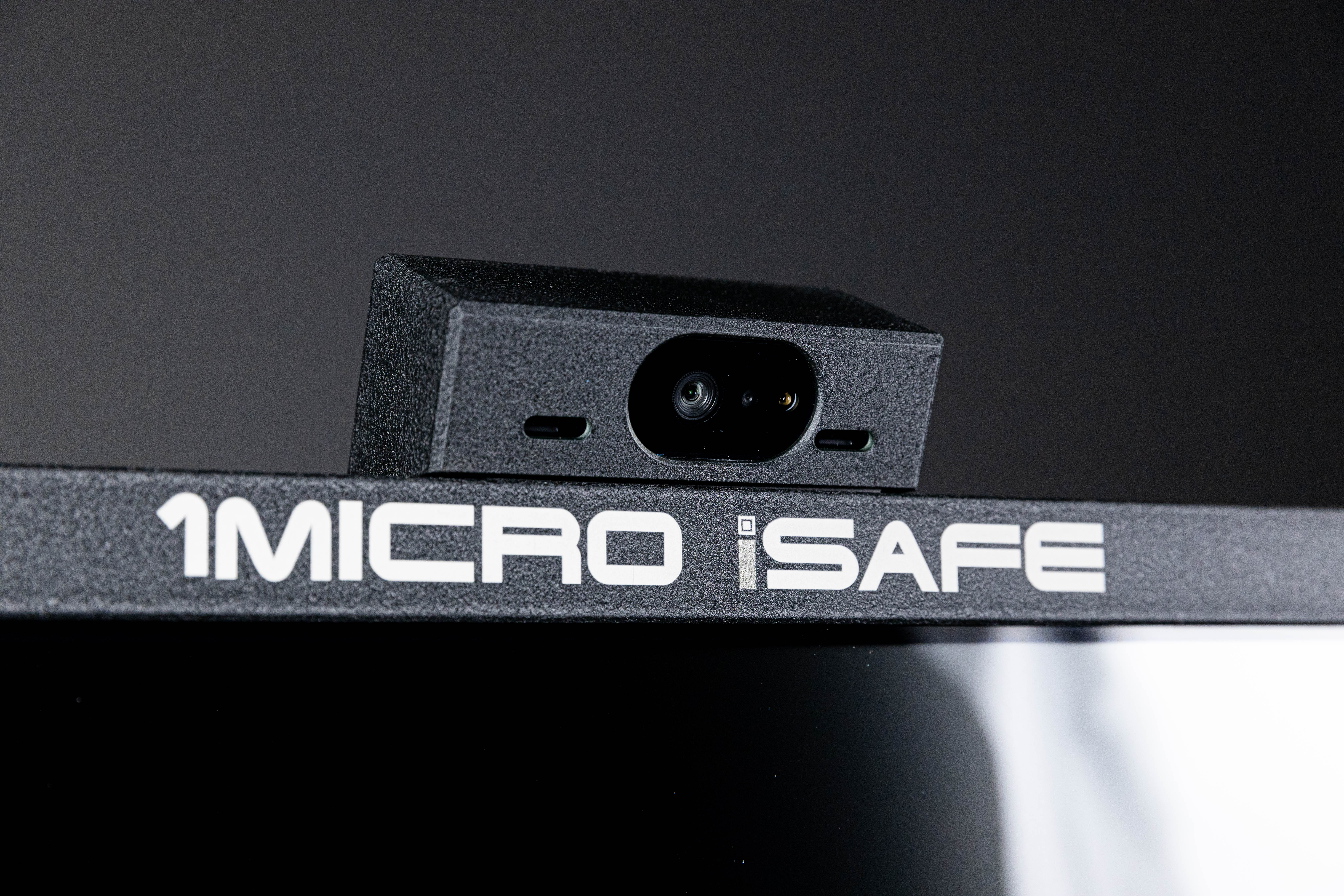
Permissions decide which drawers a person can open. What they take from an open drawer is covered by the iSafe's 4K security camera, which captures images whenever a key is removed. If someone with access to a drawer takes a key they aren't supposed to, or takes the wrong one by mistake, every key they took still has a record.
That's how a key control system turns a rule into something the cabinet enforces and records, instead of something people are asked to remember.
How Long Will It Last, and Who Supports It?
1Micro has systems in the field that are 25 or more years old and still fully supported. There's no end-of-life event, no forced hardware upgrade, and no moment where a system stops receiving support. Those older systems run the same current software platform as a brand new one.
When a question or a problem comes up, you can call 1Micro support, and if it calls for someone on-site, 1Micro can send a technician. Routine maintenance visits are also available on an annual, semi-annual, or quarterly schedule, so a system that has run for years keeps getting a full inspection and tune-up.
What Will It Cost?
Pricing depends on how many keys you need to control and how many systems you need, which is why the 1Micro team quotes each one. You don't have to size a key control system for the future on day one, because the iSafe grows with you. The iSafe SOLO holds up to 30 individual keys, the iSafe Lite starts at 20 keys and grows to 100 with additional doors, and the iSafe Pro starts with a 100-key drawer and scales in 100-key increments to more than 10,000.
When you add a drawer, a 1Micro Delivery Tech can drive out, install it, and tune up the system within an hour, so a 200-key system becomes a 300-key system without your team doing the work. There are no hidden costs, because 1Micro gives you upfront pricing and any expected costs related to the solution.
Every iSafe and its software are made in Waconia, Minnesota, by a company that has been building key management systems for over 30 years.
Bring These Questions to a Demo
These questions apply to any key management system you compare, ours included. A demo with the 1Micro team is a good place to ask all seven and watch the iSafe answer them.
See How the iSafe Answers Them
Explore the iSafe Pro.
Read how 1Micro gets you up and running fast.
See how iBLDG Core works on a phone.
Read what your key management software should be able to tell you.
Request a Webinar or a Quote from the 1Micro Team.